Taxes · checklist · PR58
T2202 tuition slip check
Where to find your T2202, what to check on it, and what to do with it at tax time.
Online companions in the toolkit: Tuition amount carry-forward tracker (CRA) (TK351) · T2202 explainer card (TK352) · Missing or wrong T2202 request (TK398).
Download
- PDF, US Letter (fillable) · 60 KB
- PDF, A4 (fillable) · 60 KB
- Word (.docx), editable · 38 KB
- Excel (.xlsx), editable · 8 KB
The PDFs have fill-in boxes you can type into in a PDF reader, or print and write by hand. Both sizes print without scaling. The Word and Excel files are yours to change. Nothing is sent to us.
How to use it
- Log in to your school's portal and download the slip.
- Check each box against your own records.
- Ask the school's student accounts office if something is wrong.
- Use it when you file, and keep it with your tax records.
What's on the sheet
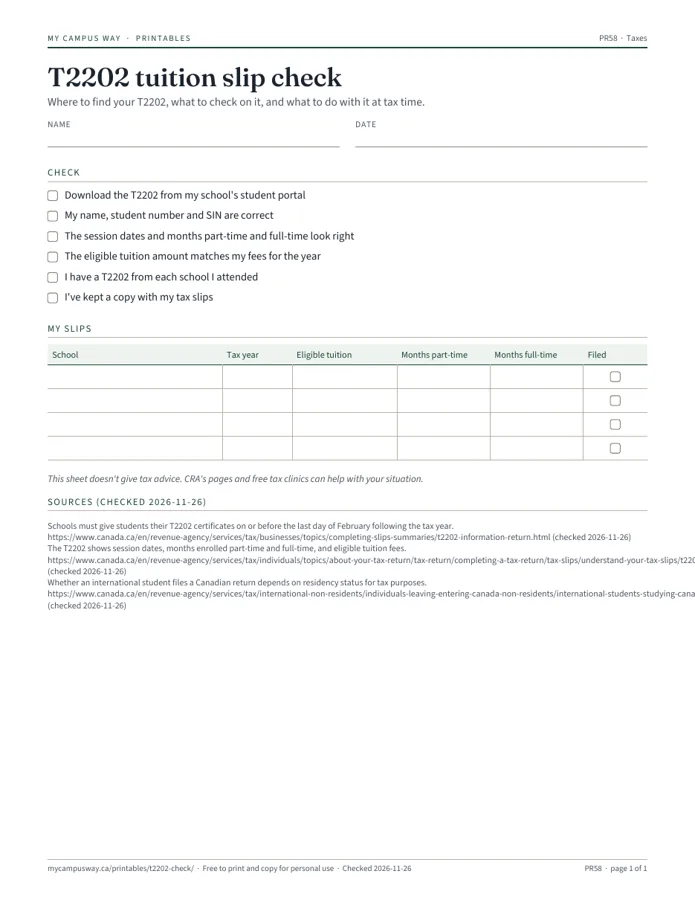
Check
- Download the T2202 from my school's student portal
- My name, student number and SIN are correct
- The session dates and months part-time and full-time look right
- The eligible tuition amount matches my fees for the year
- I have a T2202 from each school I attended
- I've kept a copy with my tax slips
My slips
- Columns: School, Tax year, Eligible tuition, Months part-time, Months full-time, Filed
- 4 blank rows
Sources
- Schools must give students their T2202 certificates on or before the last day of February following the tax year. Source · checked 2026-11-26
- The T2202 shows session dates, months enrolled part-time and full-time, and eligible tuition fees. Source · checked 2026-11-26
- Whether an international student files a Canadian return depends on residency status for tax purposes. Source · checked 2026-11-26
Prefer to type the numbers in? Tuition amount carry-forward tracker (CRA) (online calculator) · T2202 explainer card (online template) · Missing or wrong T2202 request (online template)