Arrival · checklist · PR329
New student tech and account setup checklist
Set up your school accounts, Wi-Fi, backups and security in the first week, and keep a record of where everything is.
Online companion in the toolkit: Laptop or phone cost per year: compare models (TK425).
Download
- PDF, US Letter (fillable) · 67 KB
- PDF, A4 (fillable) · 68 KB
- Word (.docx), editable · 38 KB
- Excel (.xlsx), editable · 7 KB
The PDFs have fill-in boxes you can type into in a PDF reader, or print and write by hand. Both sizes print without scaling. The Word and Excel files are yours to change. Nothing is sent to us.
How to use it
- Work through the list in your first week.
- Turn on multi-factor authentication everywhere you can.
- Record usernames and recovery methods, never passwords.
- Keep the IT help desk contact handy.
What's on the sheet
First week
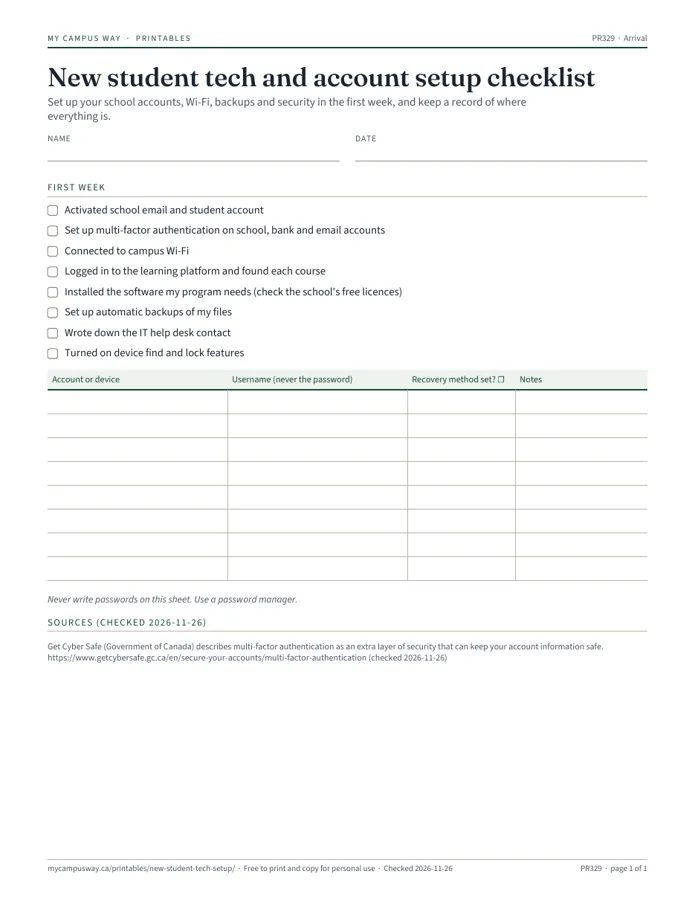
- Activated school email and student account
- Set up multi-factor authentication on school, bank and email accounts
- Connected to campus Wi-Fi
- Logged in to the learning platform and found each course
- Installed the software my program needs (check the school's free licences)
- Set up automatic backups of my files
- Wrote down the IT help desk contact
- Turned on device find and lock features
Table
- Columns: Account or device, Username (never the password), Recovery method set? ☐, Notes
- 8 blank rows
Sources
- Get Cyber Safe (Government of Canada) describes multi-factor authentication as an extra layer of security that can keep your account information safe. Source · checked 2026-11-26
Online version: Course materials and campus tech (online)
Prefer to type the numbers in? Laptop or phone cost per year: compare models (online calculator)