Money · tracker · PR439
Campus meal-plan declining-balance log
Track a declining meal-plan balance week by week: starting balance, spent so far, weeks left, and a simple weekly pace. Your school sets expiry and refund rules. This sheet only does the arithmetic.
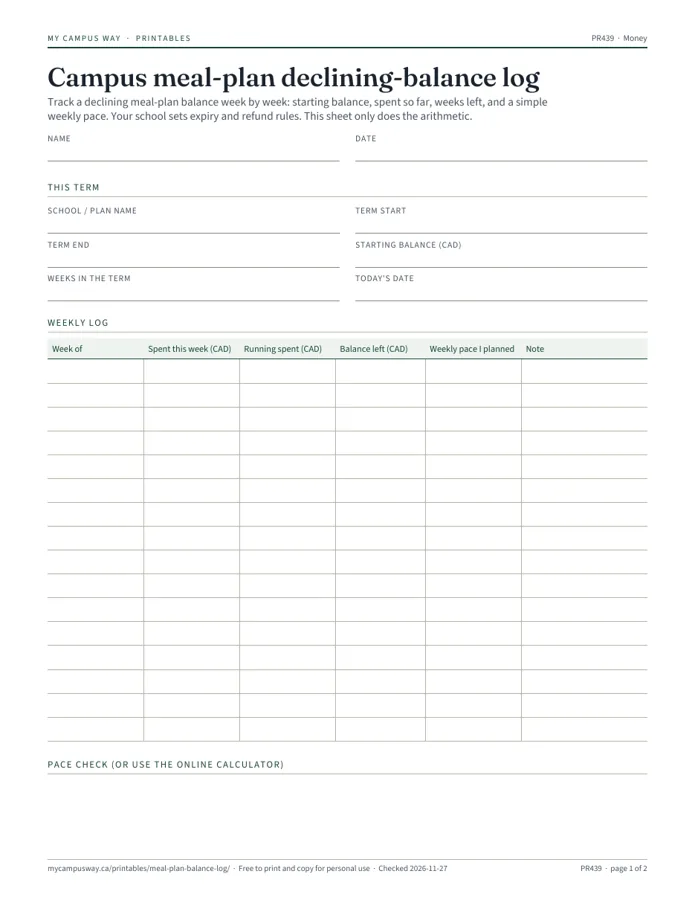
Download
- PDF, US Letter (fillable) · 114 KB
- PDF, A4 (fillable) · 116 KB
- Word (.docx), editable · 38 KB
- Excel (.xlsx), editable · 6 KB
The PDFs have fill-in boxes you can type into in a PDF reader, or print and write by hand. Both sizes print without scaling. The Word and Excel files are yours to change. Nothing is sent to us.
How to use it
- Write the starting balance and the length of the term.
- Log what you spend each week and subtract it from the balance.
- Divide what is left by the weeks still to go, or use the online calculator.
- Check your school's page for expiry and refunds before the term ends.
What's on the sheet
This term
- School / plan name
- Term start
- Term end
- Starting balance (CAD)
- Weeks in the term
- Today's date
Weekly log
- Columns: Week of, Spent this week (CAD), Running spent (CAD), Balance left (CAD), Weekly pace I planned, Note
- 16 blank rows
Pace check (or use the online calculator)
- Spent so far (CAD)
- Weeks used
- Weeks left
- Left per remaining week (CAD)
- Left per remaining day (CAD)
School rules I copied (expiry, where it works, refunds)
- 3 lines to write on